9.2 The style

This is the design language from 9.1 applied to the workstation, rule by rule, and where v4 bends it.
Black, not white
The language says matte white. v4 is matte black, and I think it's the right call here. The monitor's glass and its bezel are black, so a white case would put a bright frame round a dark rectangle and make the screen the loudest thing on the desk. In black, the case and the screen become one dark surface. The rule that matters still holds: one colour, one material, one finish, tone on tone. The colour just changed.
The cost is that the halftone gets quieter. On white, dark holes jump out. On black, you mostly see them where something lit is behind them.
One volume
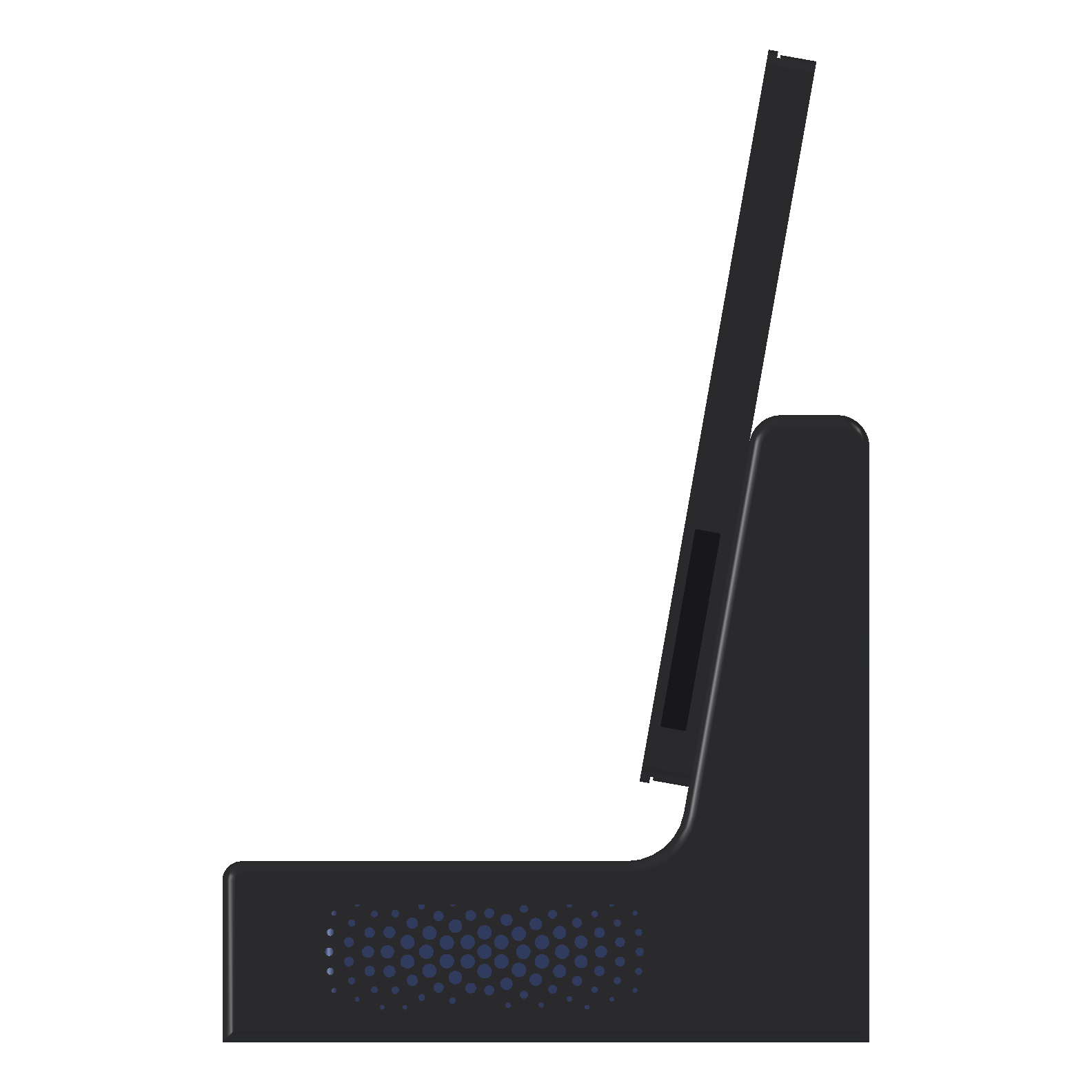
The body is one L-shaped shell: a low base, 250 × 200 × 56 mm, and a neck that rises from its back to 194 mm. The neck's front face leans back 10°, the same as the screen, and runs into the base's top through an 18 mm inside round. From the side it reads as one bent piece, which is what makes it look like a lamp rather than a box with a post on it.
The screen sits in its own case, which is the second volume. I tried to make it read as one with the body by keeping the gap between them small: the case's bottom edge is 23 mm above the base's top, and the case touches the neck's face directly.
Soft edges
| Edge | Round |
|---|---|
| Base's front top edge | 6 mm |
| Inside, base to neck | 18 mm |
| Neck's top, front and back | 10 mm |
| Every edge round the two side faces | 4 mm |
| Case corners, in the screen's plane | 5 mm |
The side faces' 4 mm is far smaller than the 10% the rules ask for, which would be 20 mm on the 200 mm depth. With a 3 mm wall and a square inside corner, a round of radius leaves mm of wall at the corner: 2.6 mm at 4 mm, under 1 mm from about 8 mm, and nothing at 20. It's the first place where print rules beat style rules.
Floating front
The case has the floating frame from the rules: a 3 mm front frame at full size, a 1 mm shadow gap set in 2 mm behind it, then the rear shell set in 1 mm. From the front you see a thin black frame, 5 mm of it overlapping the monitor's own bezel, and a dark line round its edge.
Ornament is function

The only pattern is on the base's right side, centred on the PC's right-hand vents. It's the same layout as the air filter's, scaled down: a 6 mm pitch, 134 holes from 4.5 mm at the centre to 1.5 mm at the edge, with a 3 mm plain border. That's 855 mm² open, against about 600 mm² of slots on one side of the PC (2 rows of 17, about 1.8 × 9.8 mm each, from the listing photos). So the pattern isn't the bottleneck for the PC's air.
The body prints on its right side, so this face is on the bed and every hole prints vertical and round.
Hidden function
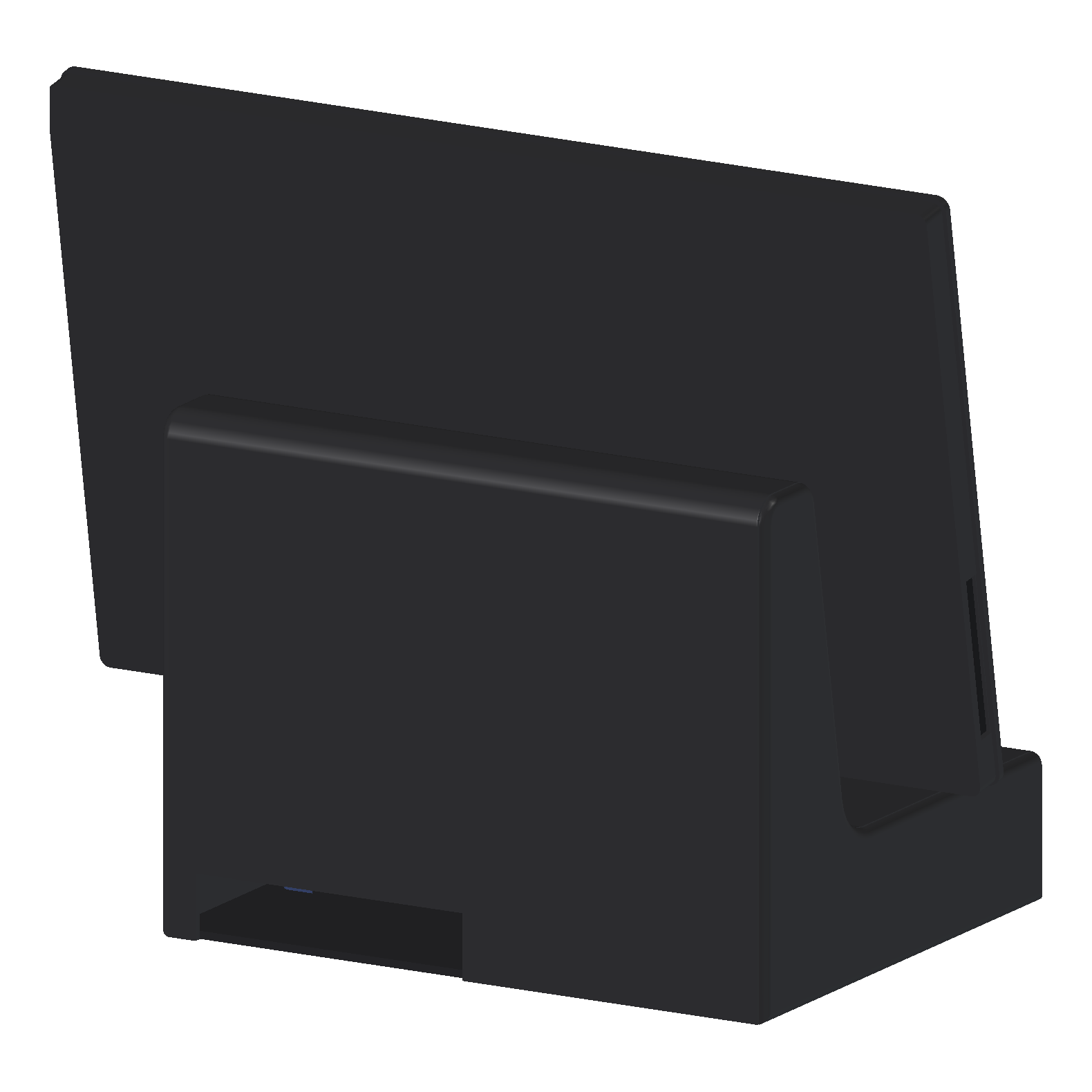
- Cables leave through an opening at the bottom of the back wall, under the neck.
- The four screws that hold the screen are inside the neck. Nothing on the outside shows how it goes together.
- The monitor's ports and controls are on its short edges, so the case has a slot in each short side. That keeps them on a side, which the rules allow.
Where it falls short
- The base is 68% of the case's width, not the reference's 85%, because of the bed (9).
- The case is in two halves, so there's a seam at the centre of the top and bottom of the frame and across the back.
- The left side of the body is a separate cap behind a 0.6 mm reveal. It's honest about being a panel, but it's a line the reference doesn't have.
- The cables from the monitor's left edge come out of the case's side and have to reach the neck somehow. Right now that's a visible loop, which breaks rule 7.
- The PC's power button is inside the base. There's no button on the outside yet.