11 Mount v6: clamp it to the shelf
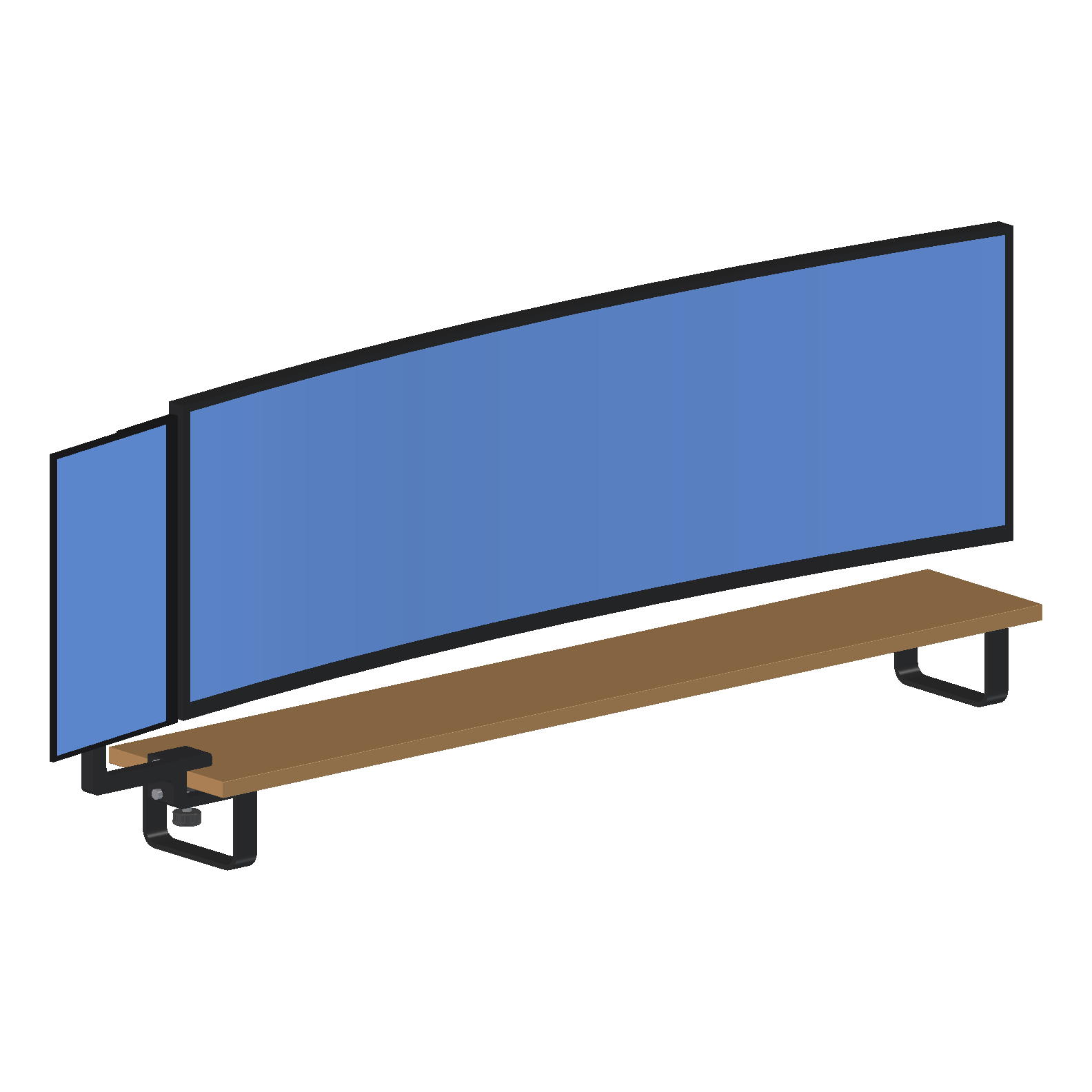
v5 (10) was a stand on the desk. I wanted nothing on the desk, so the screen moved to the oak shelf that sits under my main monitor. This is the version that got printed, and it's on the shelf now.
The screen stays where v5 put it: portrait, beside the main monitor's left end. Its bottom edge is level with the main monitor's (176 mm), 10 mm from its left end along the curve, and turned 11° so its face carries on the curve. It still turns 45° either side of that.
One printed clamp grips the end of the shelf, and an arm carries v5's swivel and VESA plate unchanged.
The brief
My answers to the questions it raised:
- The left end of the shelf.
- The main monitor's face is 60 mm behind the shelf's front edge. I measured it. The model first took 70.
- Black PLA.
- Hardware only from my two screw kits. Nothing bought.
- The clamp may reach further in under the shelf.
The clamp is one part, a C over the shelf's end. An M6 × 40 round head, head down in a printed knob, pushes a loose pad up against the underside.
The kits have no nyloc nuts and no hex heads, so the swivel locks with a jam nut. A plain nut is held in a pocket, and a second nut is jammed under it, reached through a window with a 10 mm spanner.
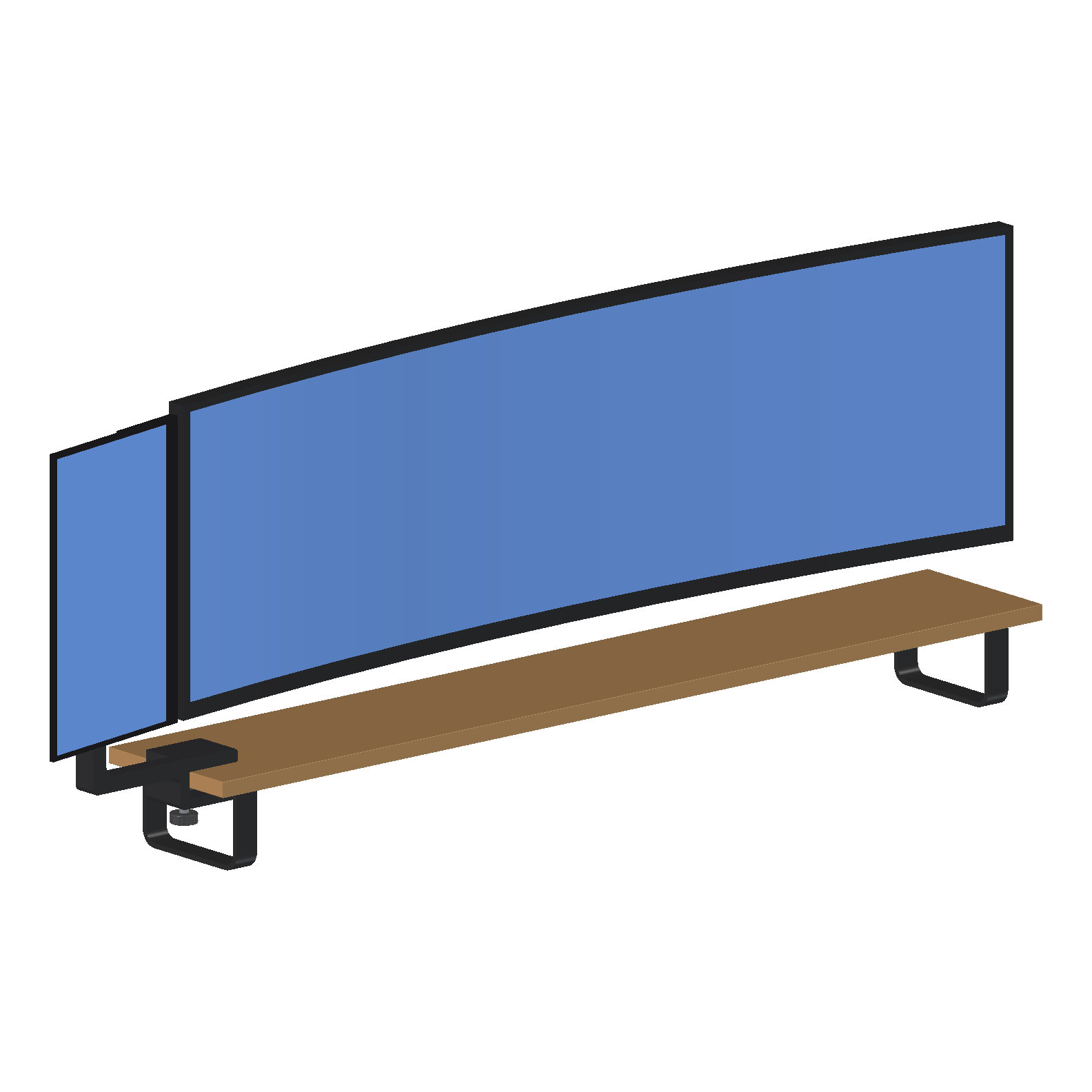
v6 to v6.1
v6 came to four prints, about 7 h 55 min and 256 g. I sliced it and never printed it. The same day I asked for an easier shape to print, and v6.1 replaced it.
| v6 | v6.1 | |
|---|---|---|
| Printed parts | 4 | 5 |
| Filament | 255.5 g | 158.9 g (38% less) |
| Print time | 7 h 55 min | 5 h 19 min (33% less) |
| Support, tree support on | 6 min 51 s in three parts | None |
| Longest print | The clamp, 5 h 57 min | The clamp, 2 h 24 min |
Getting it from the slicer onto the shelf took two failures, one on the bed and one in the knob. Both are below.
- 11.1 The lever the check got wrong: the first check had the clamp's lever backwards, and the clamp couldn't go on.
- 11.2 Easier to print: v6.1, two prints, no support anywhere.
- 11.3 Test prints that test something: three blocks cut from the real parts.
- 11.4 The clamp that let go: the first print, 1 mm from the bed's edge.
- 11.5 The knob that slipped: why the knob let go under load, and a fix with no print.
- 11.6 On the shelf: the build guide, the totals, and what comes next.